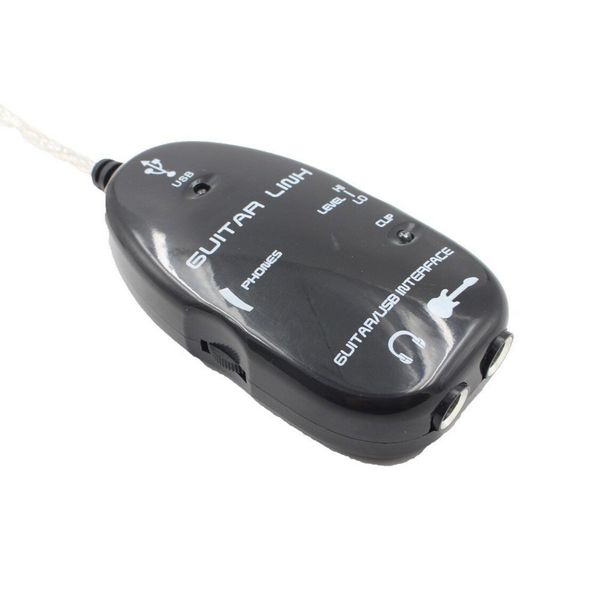
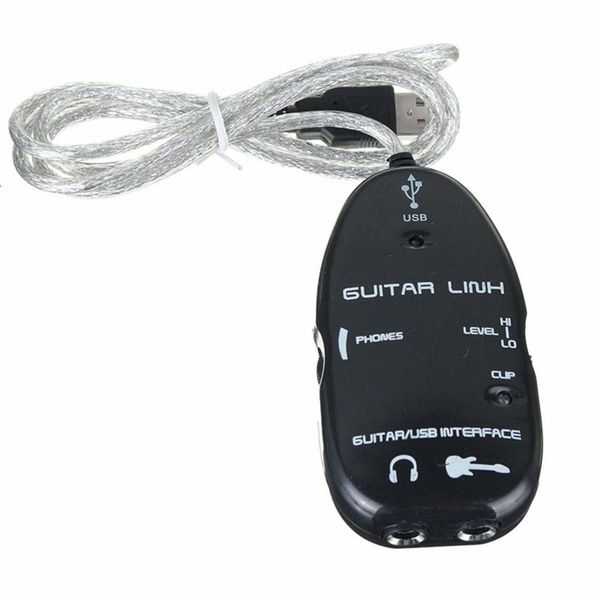
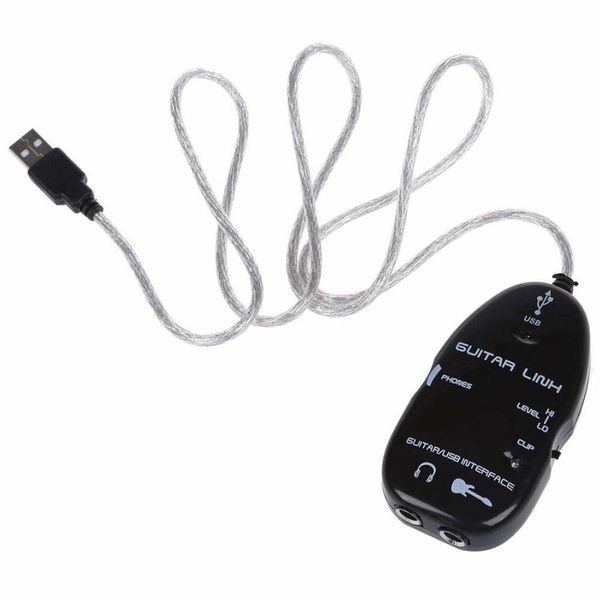
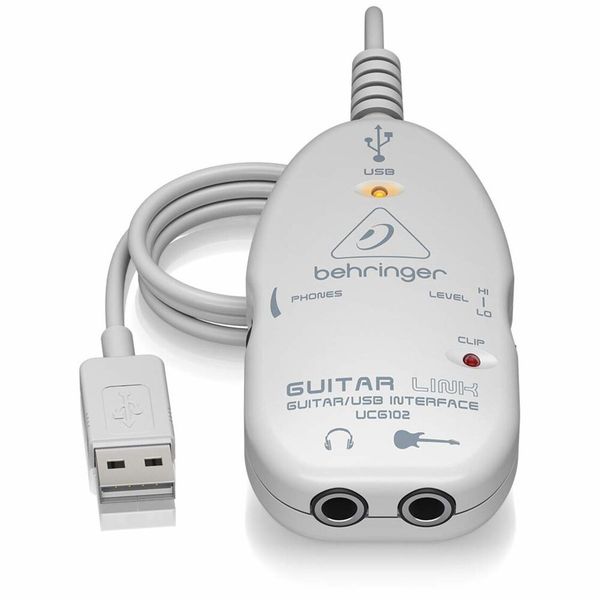
LAVA-USB Interface Link Cable 電子 吉他 錄音 For PC And Recording
商品詳情
【Instructions】
You can use guitarrig, or use nuendo recording,
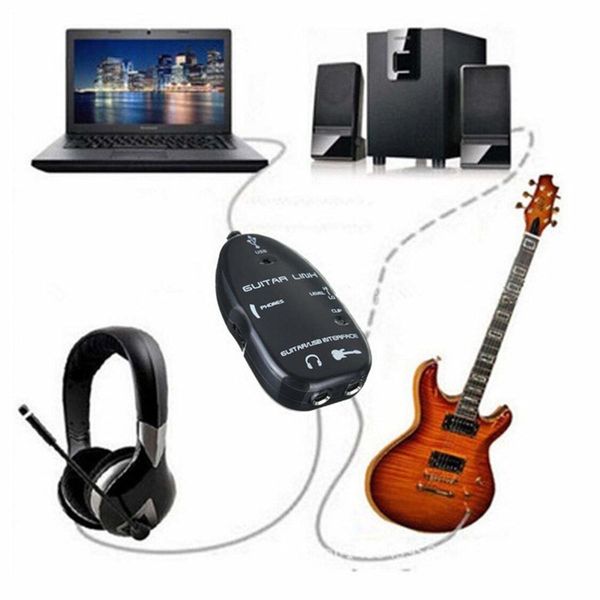
Turn your computer or Mac computer into a guitar amplifier and recording device,No other hardware required
1. Install this sound card into the computer USB, the computer detects the hardware
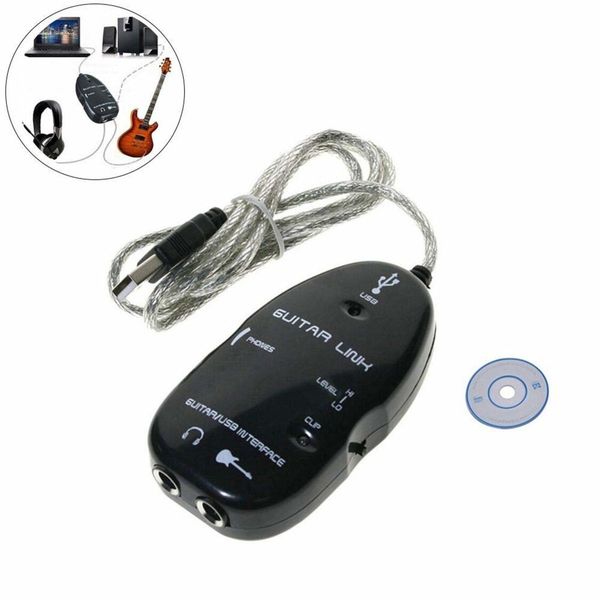
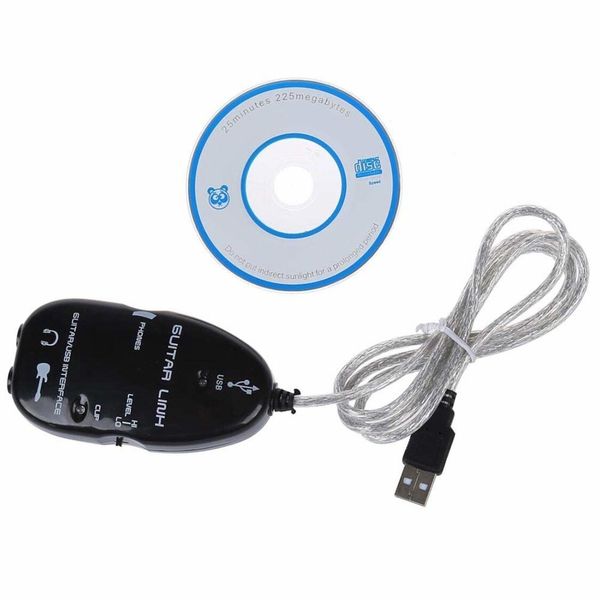
2. Insert the CD that comes with the sound card, find the driver and install it
3. The system prompts to restart. After restarting, open the device manager and check if it is installed
There will be one more USB Audio Device
4. After the installation is complete, click the small speaker icon in the computer taskbar, right-click and select adjust audio properties
5. Click the audio item, in the playback and recording, select USB Audio and enable
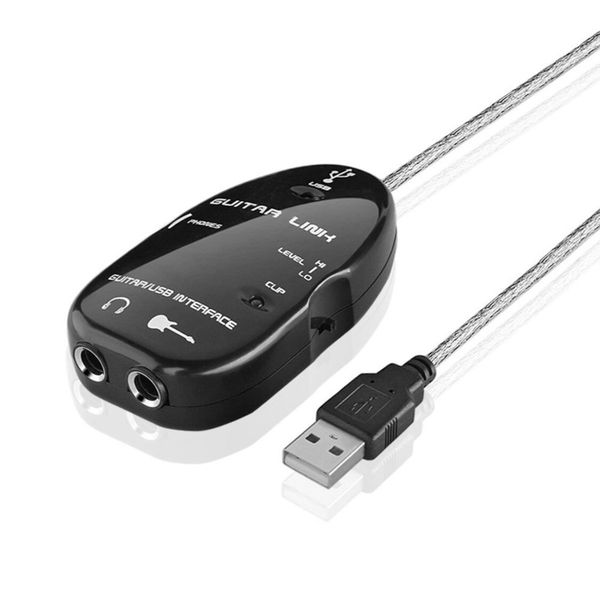
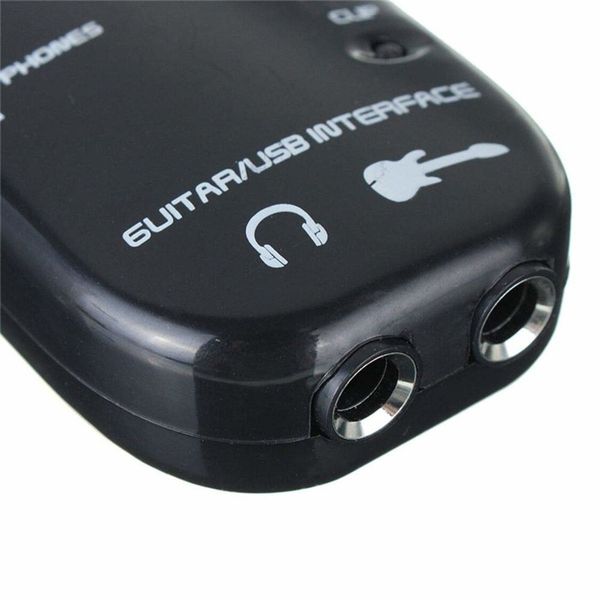
6. Insert the end of the guitar output line into the hole of the sound card with the guitar logo, and the other hole is connected to speakers or headphones
7. Open the installed recording software and start recording
8. The stereo headphone output terminal allows you to play with the computer. This output terminal can also be used for monitoring.
9. USB interface for power supply - no need for external power supply
This sound card is fully capable of small-scale recording work. The accompanying CD has drivers and guitar effects software.
送貨詳情
付款方式


LAVA-USB Interface Link Cable 電子 吉他 錄音 For PC And Recording
數量
同店推薦